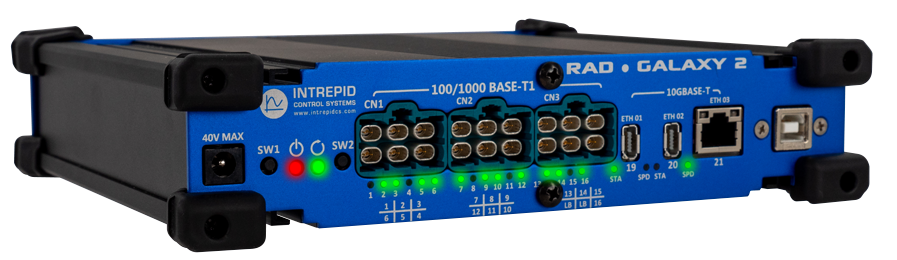
RAD-Galaxy 2
An Automotive Ethernet Active Tap for Gigabit and Multi-gigabit Networks
Contents:
- 1. Safety and Other Important Notices
- 2. Introduction and Overview
- 3. A Tour of RAD-Galaxy 2 Hardware
- 4. Software Setup
- 5. ICS Device Manager
- 5.1. Starting and Using ICS Device Manager
- 5.2. Using ICS Device Manager
- 5.3. Firmware Updates
- 5.4. RTC
- 5.5. Network Enables
- 5.6. CAN Network Settings
- 5.7. LIN Network Settings
- 5.8. Ethernet Tap Configurations
- 5.9. PHY Configurations
- 5.10. ISO 15765-2
- 5.11. Capture Module Protocol
- 5.12. gPTP Time Synchronization
- 5.13. Performance Tests
- 5.14. Reporting
- 6. The neoVI Explorer Configuration Utility (Legacy)
- 6.1. Starting and Using neoVI Explorer
- 6.2. Interfacing with a device
- 6.3. System Settings and Firmware Updates
- 6.4. General Settings and Product Details
- 6.5. CAN Network Settings (legacy)
- 6.6. LIN Network Settings (legacy)
- 6.7. Ethernet Port Configurations
- 6.8. PHY Configurations (legacy)
- 6.9. gPTP Time Synchronization (legacy)
- 6.10. Reporting (Legacy)
- 6.11. Network Enables (legacy)
- 6.12. Performance Tests (legacy)
- 6.13. ISO 15765-2 (legacy)
- 7. Core Features
- 8. Advanced Features
- 9. Technical Specifications
- 10. Errata
- 11. Support Contact Information